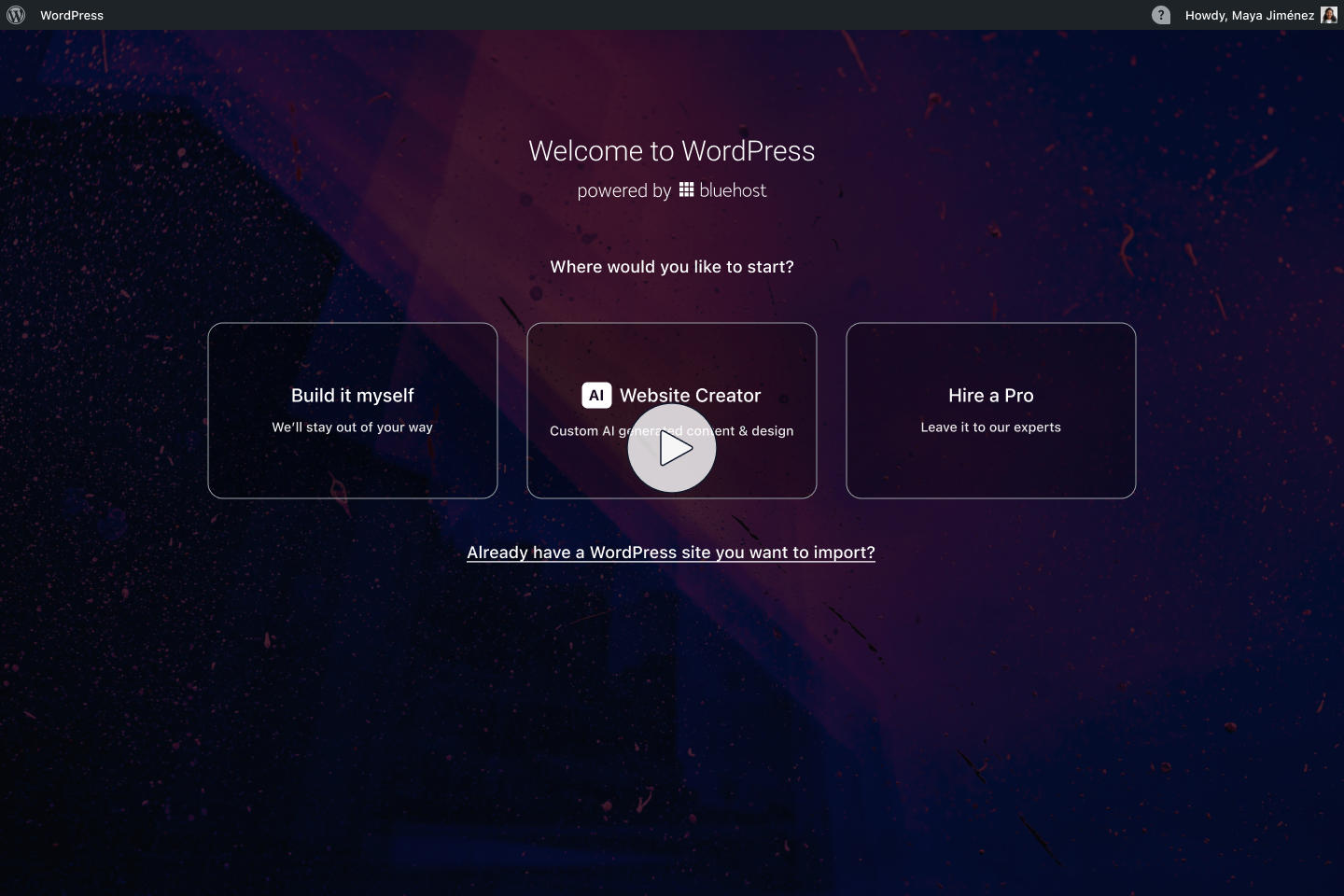
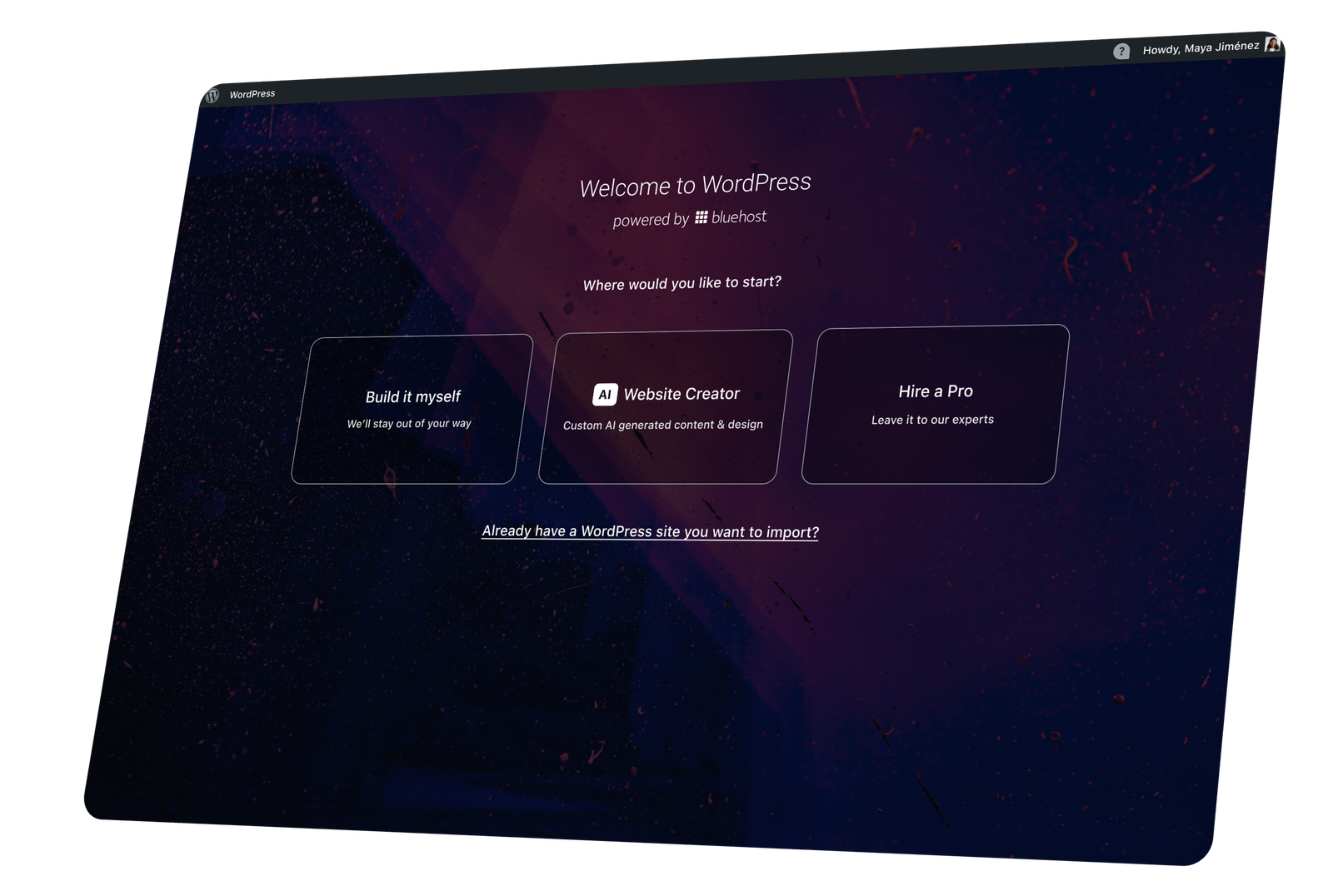
Bluehost is a web-hosting company that wanted to improve the rate at which users successfully launched sites. The current experience was found to be too cumbersome and complicated compared to many of the competitors.
Our team was challenged to find a way to use AI to increase the rate at which customers successfully publish their websites as this was identified as a core metric that drove overall customer satisfaction and retention. At the time, the advent of AI had just arrived at a level that companies could begin to take advantage of its abilities and our engineering team was just beginning to explore its potential.
The result was a 20% increase in successful site generation within the first month after release.
The Team
Cross-functional team involving Product Design, Customer Support, Engineering and Product. Designers: Aaron Shoemaker, Jon Lawrence, Brad Griffin
My Role
Design Manager
Coordination between Product, Design, CX, and Dev teams
Project Deliverables
UX Research
UI/UX Design
Responsive Layout
High Fidelity mocks
Project Challenges
How might we increase user publish rates? Could AI be leveraged in an impactful way as part of this goal?
Part of our challenge was balancing ease for beginners, flexibility for advanced users, and technical limits of the existing site builder tool. We mapped the end-to-end workflow with product and engineering in order to fully understand our technical limitations. Then began iterating on flows that varied in the way we broke down each site creation step into individual prompts. The general approach was to test more conversational inputs first, allowing for actual site customization later. Using UserTesting.com to run usability tests with Figma prototypes, we validated where users struggled completing prompts or otherwise hesitated and refined the prompts we asked for. Designs had verbose notation added to keep engineers aligned on our decisions.
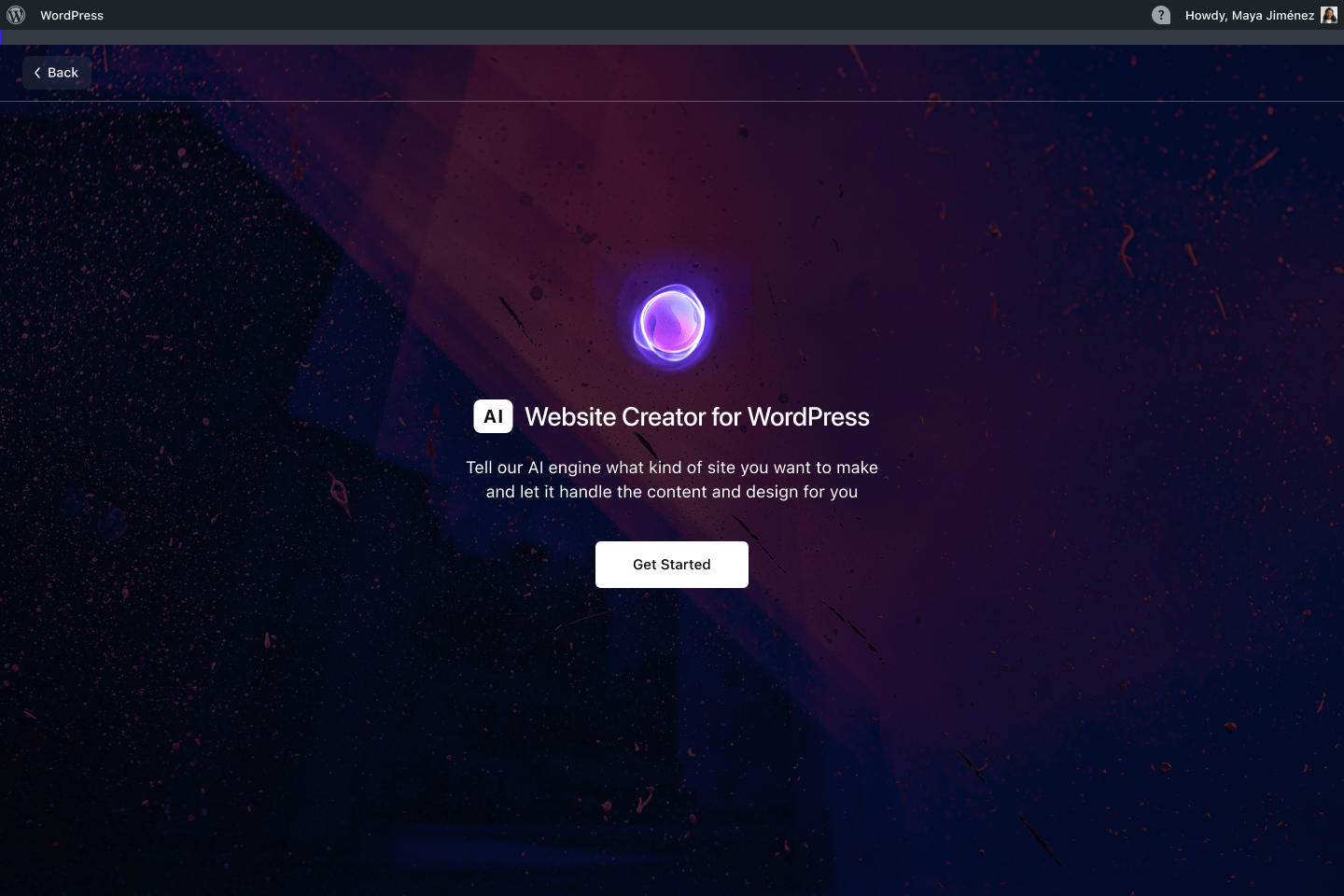
This tool leverages text prompts, integrations with multiple stock image providers and an ever growing data set of human-curated, aesthetically pleasing website template patterns.
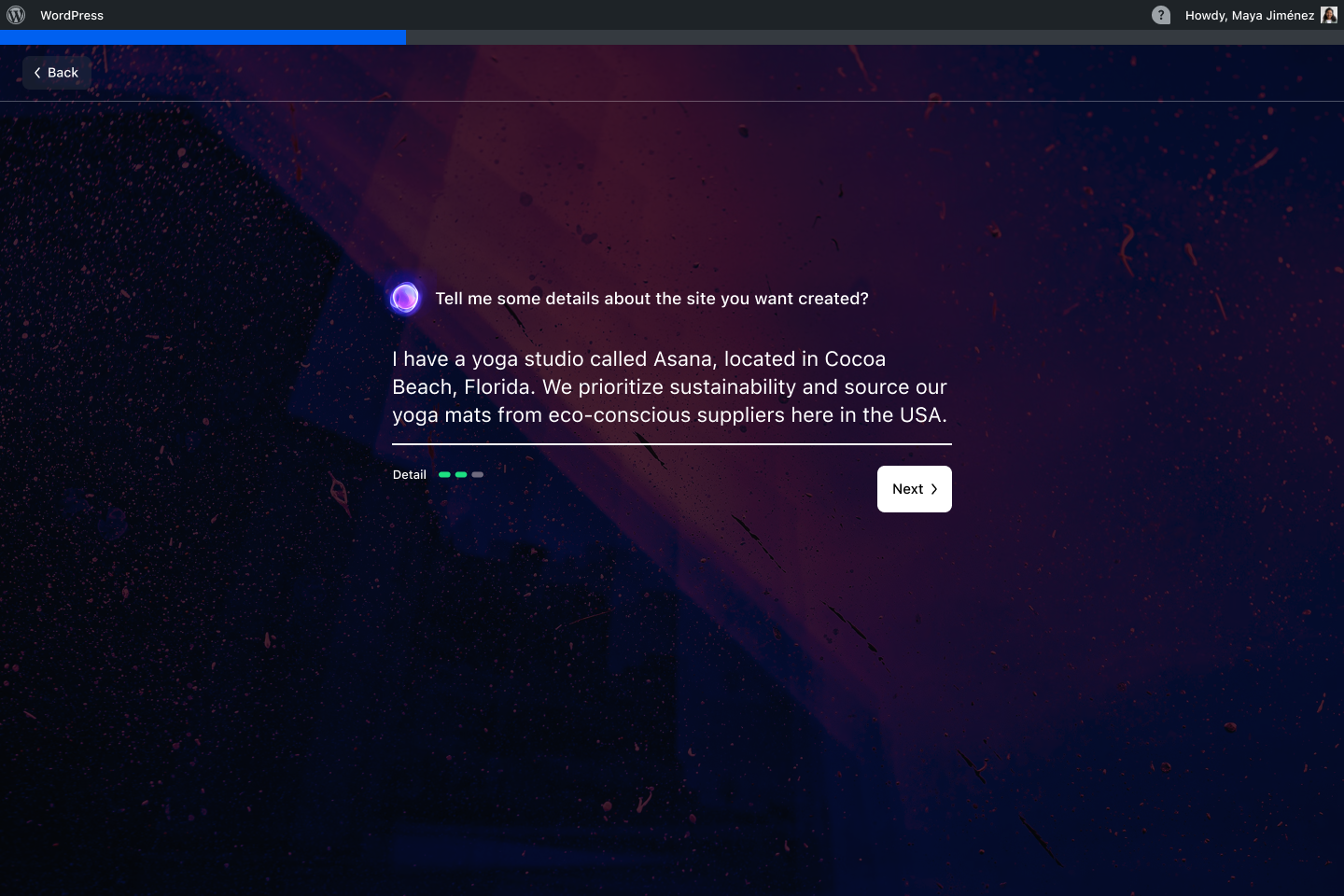
One of the primary elements of any AI interface, is the UI surrounding “the prompt”. At least as of mid-2024, the most understood pattern was the text input field. We added in our custom AI animated gif for consistent branding from screen to screen, as well as a visual indicator below the input field labeled “Detail”. This element allowed us to both provide feedback on the length of the prompt as well as encourage users to elaborate further until they reached a “green” status. More detailed input from the user resulted in our platform being able to produce much higher quality website content.
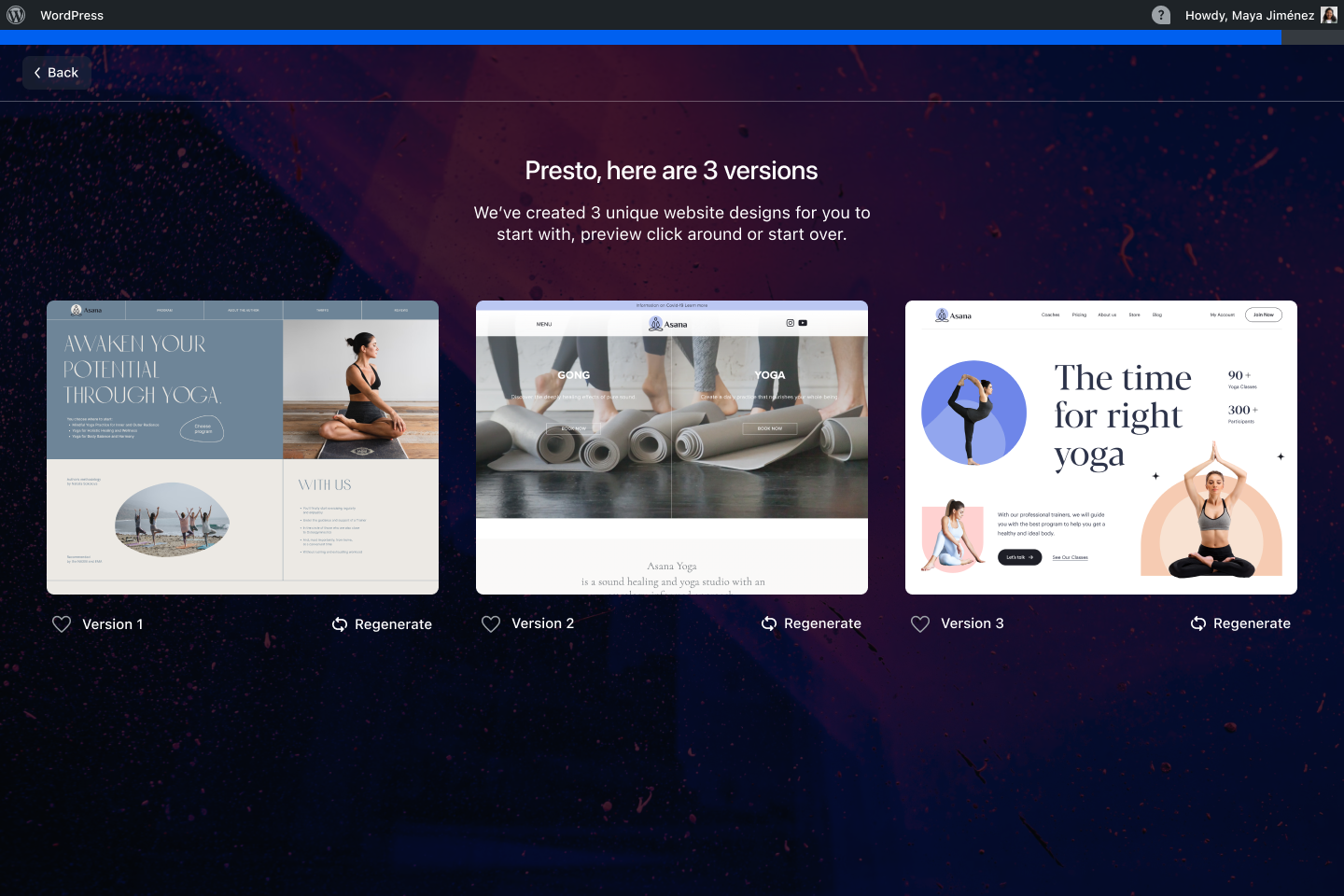
From the user-testing we conducted, we learned that creating a single website and then letting users choose to “generate another site” to see more options was not what the users wanted. A good number of testers voiced that they would prefer to see several different layout options to choose from all at once. Based on this, we pivoted and asked the dev team if it would be possible to generate 3 different websites, each with a distinct layout, imagery and copy that we could present all at once to the user.
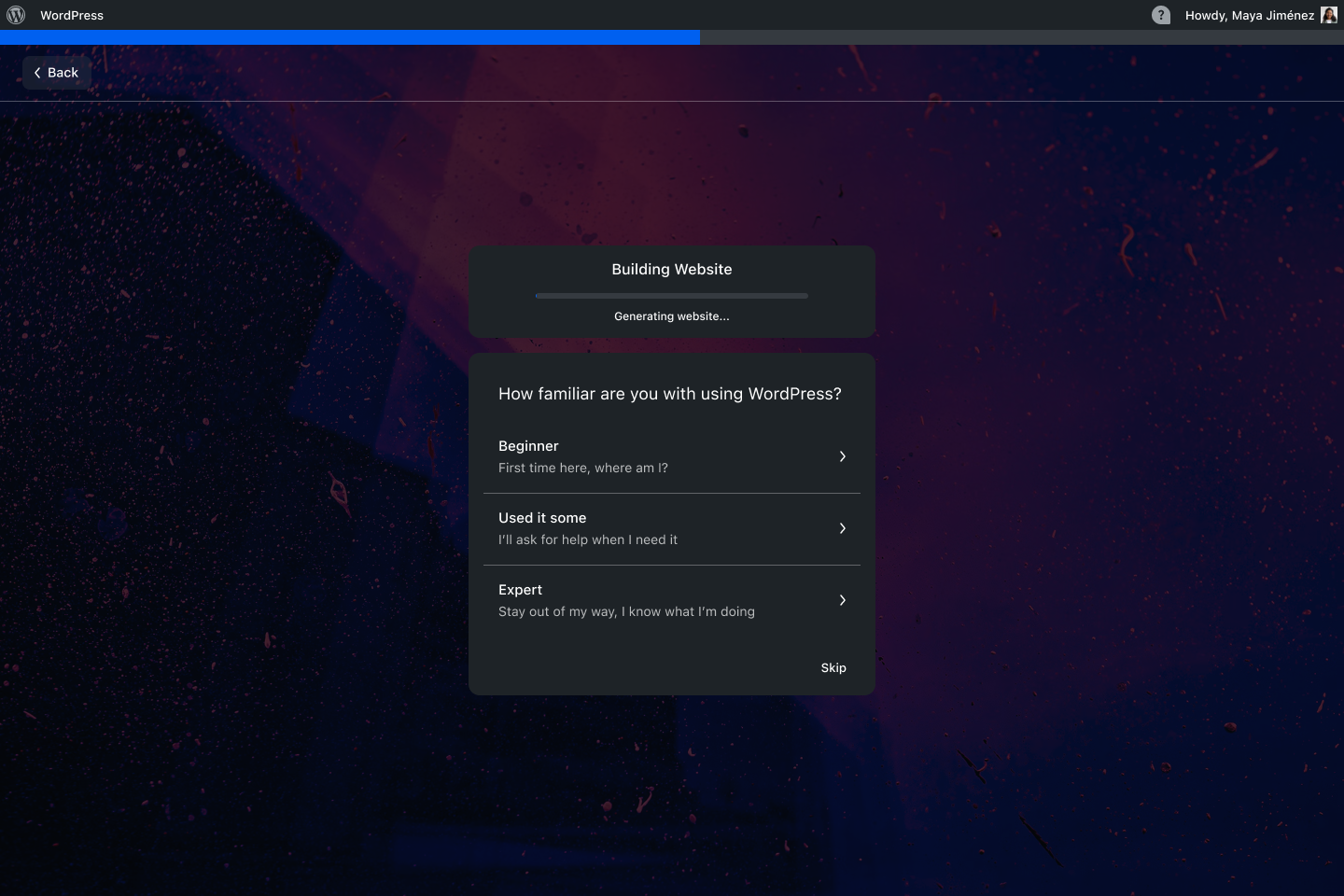
Early iterations of this ran slower than we hoped, so we needed to find a way to reduce the impression of waiting for longer than desirable load times. We learned from another team that there was a survey question that they wanted every customer to complete in order to tailor the dashboard experience for new customers. We decided to incorporate that into the progress screen to kill two birds with one stone: Capturing valuable customer data while also reducing the perceived loading time for users.
Within 60 days of launching the AI Website Builder, new site publish rates jumped by over 20%!!